
Patient Portal
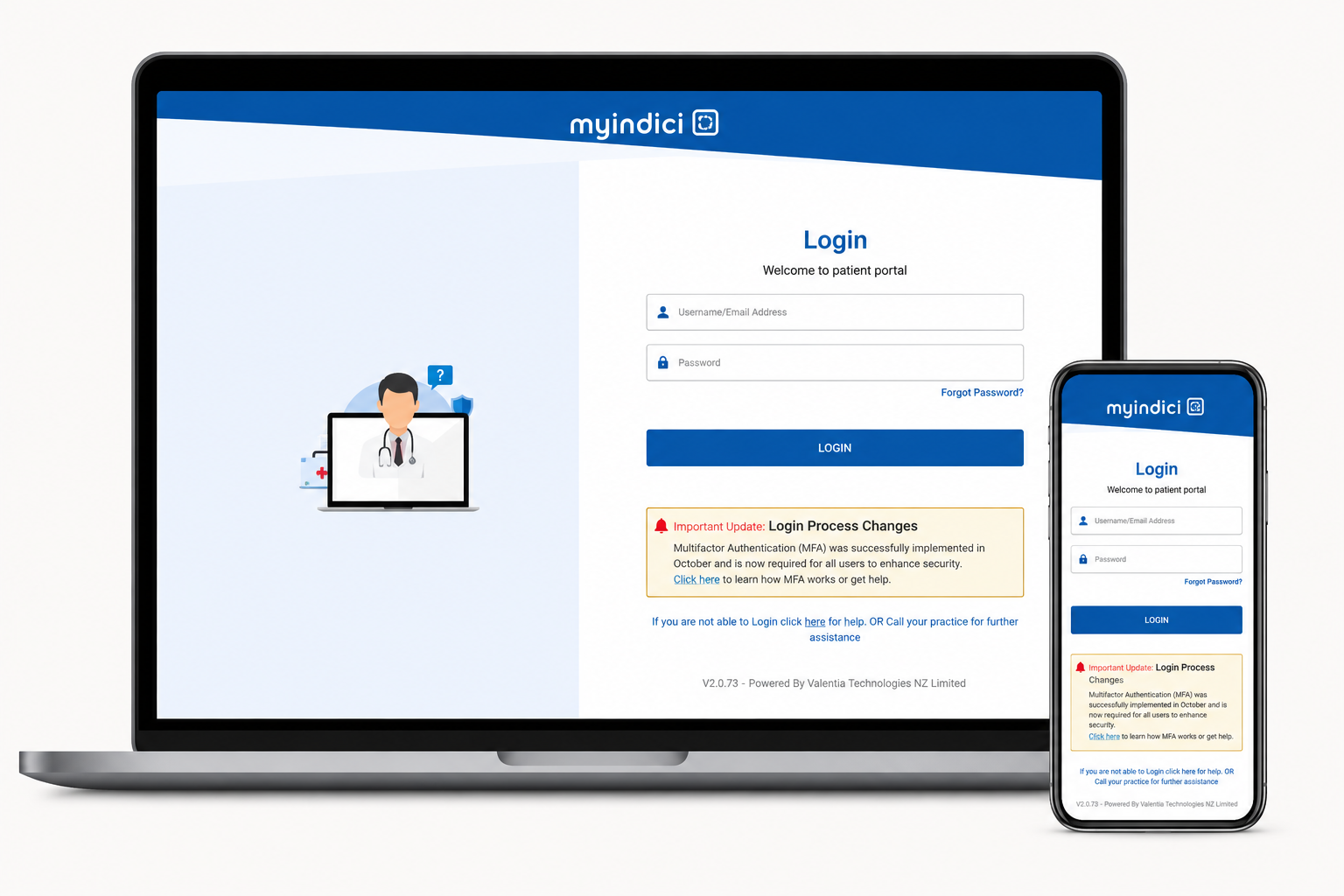
MyIndici Patient Portal
MyIndici is a secure online patient portal that gives enrolled patients convenient access to a range of healthcare services anytime, anywhere.
Through MyIndici, you can manage aspects of your healthcare from your computer, tablet, or smartphone.
What can I do with MyIndici?
With MyIndici you can:
Book appointments online, 24 hours a day, 7 days a week
View and cancel upcoming appointments
Request repeat prescriptions
View your latest test and laboratory results
Access information about your current medications
Check your invoices and make payments online
Access trusted health resources and important information shared by the practice
Receive personalised health information from your doctor or nurse when relevant to your care
MyIndici Information
Who can register?
To register for MyIndici you must:
- Be enrolled with Cashmere Health
- Be 16 years of age or older
- Have your own unique email address
For privacy and security reasons, each person using MyIndici must register with their own individual email address.
Accessing MyIndici
You can access MyIndici:
- Through the MyIndici app, available for download on your smartphone, or
- Via your computer or tablet
- Via the links on Cashmere Health’s website.
What about my children?
Your Privacy and Security
MyIndici is designed to provide a safe and secure way to access your health information and communicate with our team. Your personal information is protected, and only you can access your account using your secure login details.
None of your health information is stored on a third party app or database.
If you no longer wish to use MyIndici, call or email our reception team. They will delete your login details. Should you enrol with another practice your MyIndici login will automatically be deleted.
How do I sign up?
You can register for MyIndici in one of the following ways:
- Call or email our reception team to request registration, or
- Ask our reception team during your next visit to the practice.
Once your registration has been processed, you will receive an activation email and a temporary password. Simply follow the instructions provided to complete your setup.
Missing Information?
Ready to access your health information online?
Login to MyIndici to book appointments, request prescriptions and access your healthcare information securely.
Login to MyIndici